
Blog
The Antropy OpenCart Blog
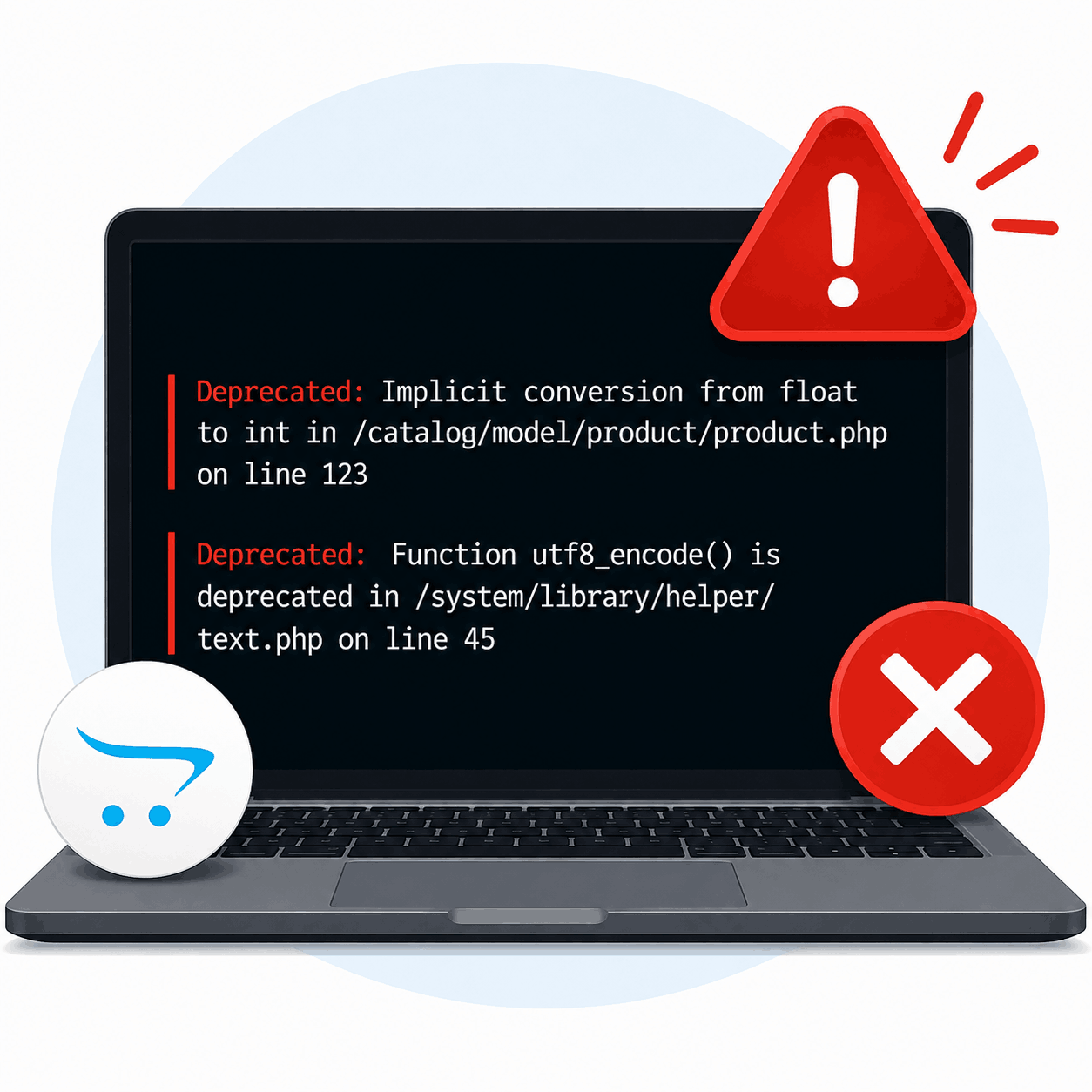
Why Your OpenCart Site Suddenly Shows "Deprecated" Errors (And How to Fix It)
Woke up to a broken OpenCart store and a screen full of red text starting with "Deprecated"? You didn't touch anything. Nobody on your team touched anything. So why is your site suddenly throwing errors; or worse, showing the dreaded blank white screen?
Nine times out of ten, the answer isn't your store. It's your host.
The Real Culprit: PHP Version Updates
Most shared and managed hosts run scheduled PHP updates in the background, often with little or no warning (you'll be surprised how often we've had clients encounter this). One week your server is on PHP 7.4, the next it's quietly bumped to 8.1, 8.2, or even 8.3. From your host's perspective, this is routine maintenance and good security practice as old PHP versions stop receiving security patches.
The problem is that OpenCart, and especially older extensions, templates, and custom code, often weren't written with the newest PHP version in mind. Functions get deprecated or removed between major PHP releases, and code that worked perfectly on PHP 7.4 can suddenly throw warnings, or completely fail on newer versions.
That's what those "Deprecated" messages are: PHP warning you that a function your store is using is no longer running correctly/properly.
Why This Catches Store Owners Off Guard
- No notice. Hosts don't always flag this clearly, and even when they do, it can read like generic account admin rather than "this will break your site."
- It doesn't happen on a schedule you control. Updates can land during a sale, a busy weekend, or right before a client demo.
- The error messages are cryptic. "Deprecated: Implicit conversion from float to int" means nothing to most store owners, it just looks like the site is broken.
How We Prevent It
This is exactly the kind of thing that's easy to fix in five minutes if you know what's happening, and painful if you don't. Here's how we keep client stores ahead of it:
- Pin the PHP version on hosting accounts where possible, so updates only happen on our schedule, not the host's.
- Test extensions and custom code against upcoming PHP versions before a host forces the switch, not after.
- Keep OpenCart core, themes, and extensions updated, since actively maintained code is far less likely to break on a new PHP version.
Seeing Deprecated Errors Right Now?
If your OpenCart store is throwing "Deprecated" warnings or has broken outright after a PHP update, don't panic, it's almost always fixable quickly once you know the cause.
Get in touch and we'll diagnose it, get your store back to normal, and make sure the next PHP update doesn't catch you out again.