
Blog
The Antropy OpenCart Blog
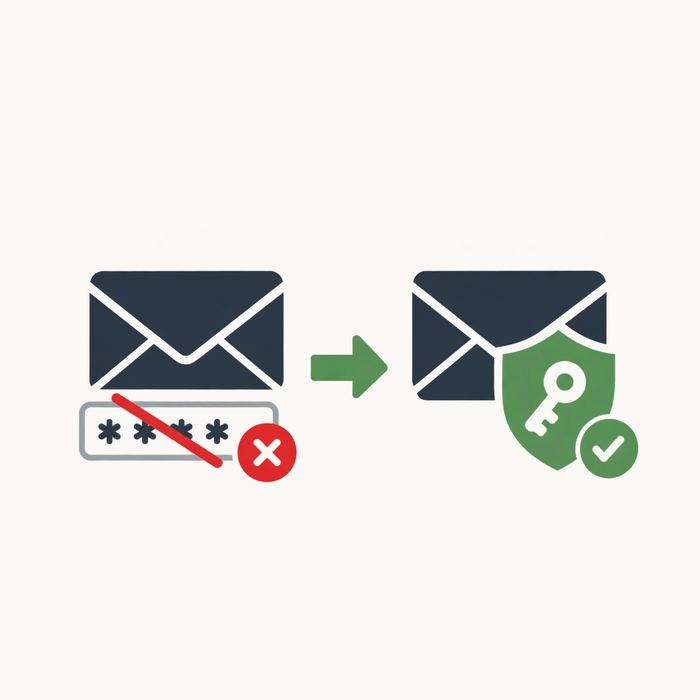
Microsoft Is Disabling SMTP Basic Authentication: What OpenCart Store Owners Need to Do
If your OpenCart store sends its emails through an Outlook or Office 365 account, there is a deadline coming that is worth knowing about now, rather than on the morning your order confirmations quietly stop arriving.
Microsoft has confirmed that at the end of December 2026, SMTP AUTH basic authentication will be disabled by default for existing Microsoft 365 tenants. Any tenant created after that point will not have it available at all, and Microsoft intends to announce a final removal date in the second half of 2027.
What This Actually Means for Your Store
OpenCart’s built-in mail settings are refreshingly simple. You enter an SMTP hostname, a username, a password, a port and a timeout, and the store sends email. That username and password pair is "basic authentication" — your store hands over a password with every single message it sends.
That is precisely the mechanism Microsoft is switching off. Once it is disabled on your tenant, OpenCart will carry on trying, carry on failing, and carry on logging authentication errors. The store itself keeps working perfectly, which is exactly what makes this problem so easy to miss.
The Symptoms to Watch For
- Order confirmation emails stop reaching customers
- New customer accounts are never approved, because the signup email never arrives
- Admin order notifications go silent
- Contact form submissions vanish
- Your error log fills up with SMTP authentication failures
The first you usually hear about it is a customer asking where their order confirmation has got to, and by then you may have been failing silently for days. If you are not sure where to check, our guide to OpenCart error log locations is the place to start.
Why You Cannot Simply Fix It in the Settings
Microsoft’s replacement for basic authentication is OAuth 2.0. Rather than storing a password, your application is registered in Microsoft Azure / Entra, granted explicit permission to send mail, and then issued short-lived access tokens that are refreshed automatically behind the scenes.
It is a genuinely better system. Tokens expire, they are tied to one application, and they cannot be lifted and reused elsewhere. The problem is that OpenCart 3 has no idea OAuth exists. There is no option for it anywhere in the mail settings, so there is nothing for you to switch over to.
Your Options
1. Ask your Microsoft administrator to re-enable basic authentication. This will buy you time, as admins can still turn it back on after December 2026. It is a temporary reprieve rather than a fix though, it works against your own security posture, and the final removal date is coming.
2. Move to a third-party SMTP relay. Services such as Mailjet, SendGrid or Brevo will happily send on your behalf. This does work, but it is rarely as simple as buying a package: you will need to add DNS records, and you may need to pay extra for a dedicated IP to keep your spam score down. We went through this in detail in Fix Gmail SMTP in OpenCart.
3. Add OAuth support to OpenCart. Keep your existing Microsoft mailbox, keep sending from your own domain, and simply authenticate the way Microsoft now expects. This is the proper fix, and it is the one we built an extension for.
Our Solution: OAuth SMTP for OpenCart
We built the Antropy OAuth SMTP extension so that OpenCart store owners can keep using their Microsoft Outlook or Office 365 account to send store email, without relays, without extra monthly fees, and without weakening their security settings.
- Works with Microsoft Azure / Entra based Outlook and Office 365 setups
- No core OpenCart files are modified
- Guaranteed to work on the default theme, with more themes added over time, generally free of charge
- Compatible with OpenCart 3.0.0.0 through to 3.0.5.0
- Installation instructions and a step-by-step account connection guide are included in the download
- 12 months of free support included
Setup is straightforward. You register an application in Azure / Entra, grant it permission to send mail, and connect it to your store. From then on the extension handles the token exchange and renewal itself, so order confirmations, signup approvals and admin notifications all carry on exactly as before.
What About Gmail?
Google has been down the same road, having sunsetted app password access for third-party SMTP, which caught out a lot of store owners. The extension currently targets Microsoft, but if you need Google support, get in touch and let us know — demand shapes what we build next.
Do Not Leave This Until December
Email is one of those things that only becomes urgent once it is already broken, and by then you have lost orders and goodwill you will not get back. If your store sends through Microsoft, this is worth sorting out while there is no pressure on you.
If you would like a hand getting it set up, or you simply want us to check how your store is currently sending email, contact us and we will take a look. And if email deliverability in general is giving you grief, our article on why email has got so difficult covers the wider picture.